
I built a 3D model viewer
I'm coding a 3d model viewer for my blog. The goal is to display a model with simple camera controls, look at shading passes, and not be GPU intensive. So I can avoid big platform like sketchfab and customise what I want.
It's a <canvas> html element and a javascript script, based on three.js. Simple!
I aim for a balance between a nice set of options and a simple setup. So for now, you can setup the camera, background, lighting, shading passes, and that's it. Here it is in action:
controls
left mouserotate cameraright mousepan camerascrollwheelzoomShift+left mousepan
one touchrotate cameratwo touchespan and zoom
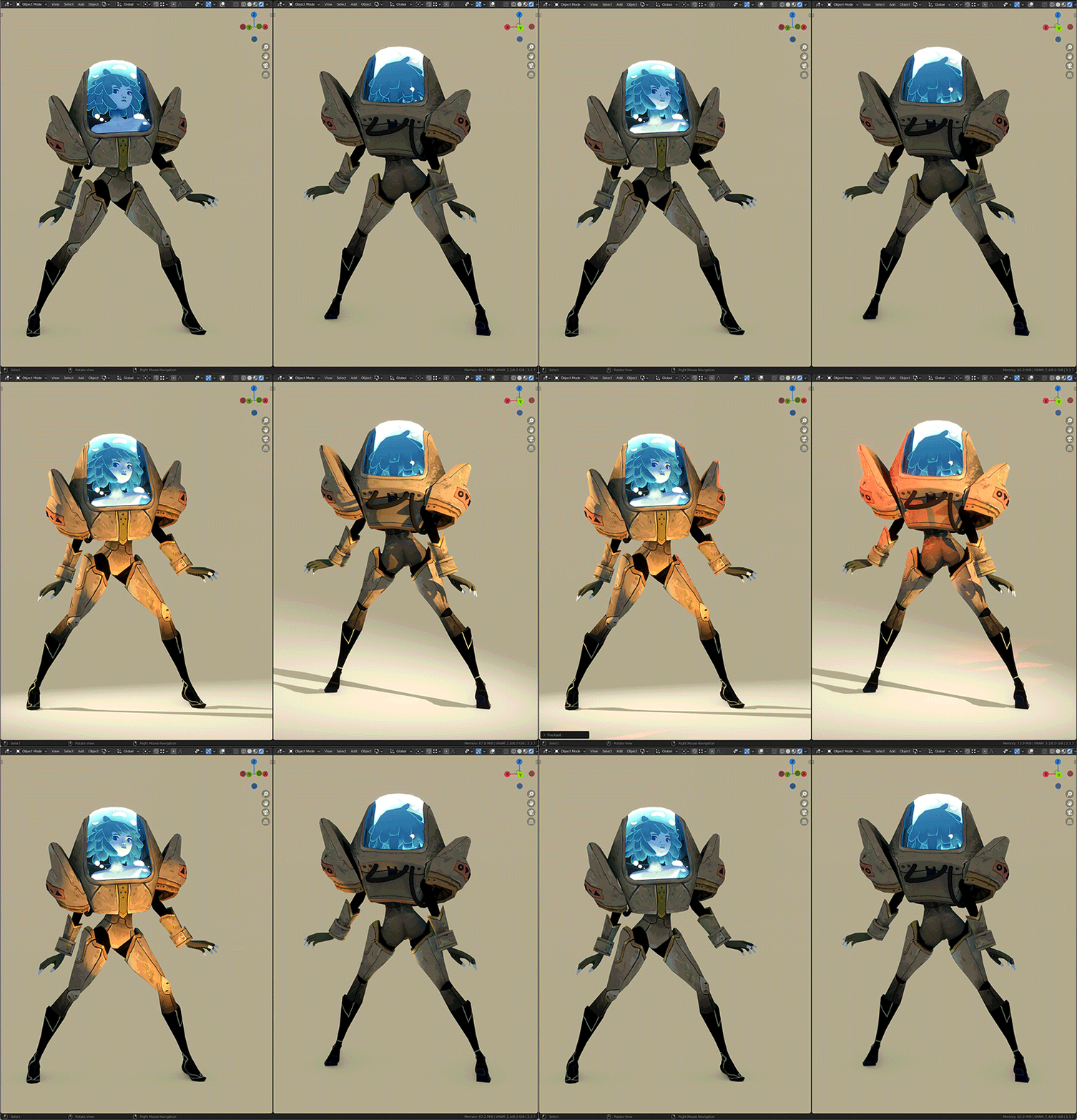
It's possible to have multiple models on the same page. Try a different shading pass with the top-left menu!
The markup is as simple as:
<div class="modelViewer">
    <canvas data-model-path = "file.glb" ></canvas>
</div>
Customisation is possible through data attributes (all optional):
<div class="modelViewer">
    <canvas

        data-model-path = "file.glb"
        data-passes = "shaded, unlit, wireframe"
        data-default-pass = "shaded"
        data-aspect = "1"
        data-camera-fov = "25"
        data-camera-distance = "5"
        data-camera-height = "2"
        data-camera-polar-angle = "15"
        data-camera-azimut = "-40"
        data-camera-enable-rotate = "true"
        data-camera-enable-zoom = "true"
        data-camera-enable-pan = "true"
        data-camera-auto-rotate-speed = "-1"
        data-ground-color = "#C0C0C0"
        data-background-color = "#EEEEEE"
        data-sun-color = "#FFFFFF"
        data-sun-intensity = "5"
        data-sun-shadow-strength = "1"
        data-sun-polar-angle = "45"
        data-sun-azimut = "45"
        data-sun-auto-rotate-speed = "0"
        data-ambient-color = "#FFFFFF"
        data-ambient-intensity = "1.5"

   ></canvas>
</div>
If you are intersted in using it or help improving it, please reach out! <3
Next steps
Custom Shaders
I often create custom shaders to fit the needs of a project. When I display a prop with a standard PBR material, it's not the same as ingame. I would love to use this viewer to show and explain these shaders, in articles breaking down the rendering and pipeline of, say Caravan SandWitch (I get asked this a lot :D)
To properly explain a shader, I may need more buttons. I want to keep a simple UX, so I'm still thinking about this. Would I give sliders to play with shader variables? It's tempting, and defintely fun to play with them in editor. hmmmm...
Lighting
Lighting makes or breaks a 3d scene. I want to be able to add more lights than just one directional. A 3 point lighting, for example, could be cool. GI is also in my head, but I don't dare thinking about realtime GI. So, a baked lightmap? But I want to give the freedom to rotate the lighting! hmmmm...
Animation
I don't know much about 3d animation, so it's a big task. Still, it's nice to see the model move. It could be an opportunity to show the rig & vertex weights. And it would simply play a single anim on loop, like an idle. hmmmm...
And more!
Quad geometry, click to focus on a surface, right-click to pilot the sun, etc.
Conclusion
I love to have this new media available on my site. Now I want to add 3d viewers everywhere! Interactivity is dope.
It took a week to develop, while I clearly had other more pressant things to do. Still, I think it was worth it (productive procastination ftw). One of my 2025 goals is to leave the hold of private platforms and nourish my personal place: this website <3. Sharing the development of the tool was a motivation and it attracted some interest, so it's a win.
I can see this tool going to a state that would be usable for other 3d artists. I'd love to open source it. For now, you can already inspect this webpage and extract the code ;)
See you later for more personal website excitements!